Where Is the Security Code on a Starbucks Gift Card? (Guide)
The security code on a Starbucks gift card is located on the back of the card under a scratch-off panel. It is usually a numeric PIN (often 8 digits) and is required for online balance checks, adding the card to your account, or digital use on Starbucks platforms.
- Physical card → Back side, under scratch panel
- Digital card → Shown in email or app (no scratch needed)
What Is the Starbucks Gift Card Security Code?
The security code (PIN) is a private number that works with your card number to verify ownership.
You need it to:
- Check balance online
- Add card to Starbucks app
- Reload or manage the card
In-store purchases usually don’t require the PIN, only the barcode or swipe.
Where to Find the Security Code (Step-by-Step)
Physical Starbucks Gift Card
- Turn your card to the back side
- Find a silver scratch-off strip
- Gently scratch it using a coin
- Reveal the PIN code (usually 8 digits)
Be careful not to damage the numbers while scratching.
Digital Starbucks Gift Card (eGift)
If you bought or received an eGift:
- Open your email or Starbucks app
- Look for:
- Card number
- Security code (PIN)
The code is already visible — no scratching required.
Also checkout Starbucks App Order Scheduling.
Important: Card Number vs Security Code
Many users confuse these two:
- Card Number: Long number (16 digits usually)
- Security Code (PIN): Short number (usually 8 digits)
You need both for online use.
How to Use the Security Code (Correct Way)
To add your card:
- Open Starbucks app or website
- Log in
- Click “Add Card”
- Enter:
- Card number
- Security code
- Save
Now your card is linked and ready.
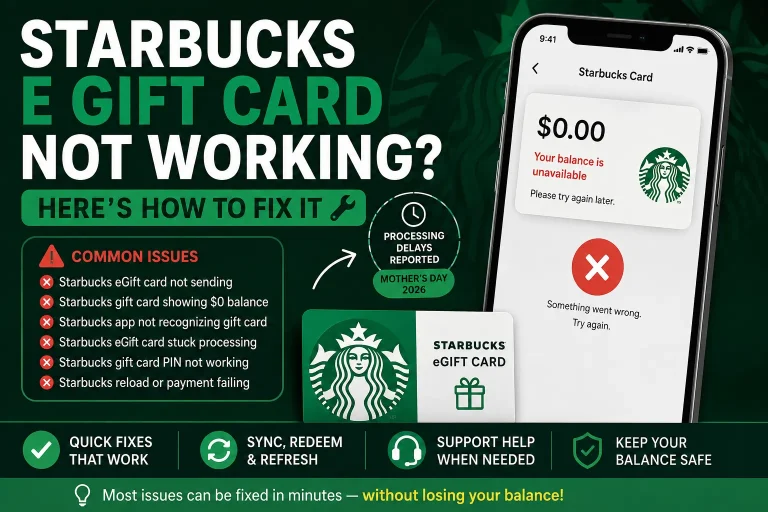
Also read “Starbucks eGift Card Not Working? Here’s How to Fix It“
What If You Can’t Find the Security Code?
Here’s what to do:
Scratch Area Not Visible
- Make sure you are checking the back of the card
- Some cards have small or hidden panels
Code Damaged While Scratching
- Do NOT guess
- Contact Starbucks support with receipt
Digital Card Missing Code
- Check full email (sometimes below card image)
- Open in Starbucks app
Common Mistakes (Avoid These)
- Scratching too hard → code gets damaged
- Confusing PIN with card number
- Buying cards from unofficial sellers
- Sharing your code with others
👉 Anyone with your code can use your balance.
Safety Tips (Very Important)
- Treat your gift card like cash
- Never share your PIN publicly
- Only use official Starbucks website/app
- Keep purchase receipt
Also check Free Mod Mondays Starbucks.
FAQs
Where exactly is the security code on a Starbucks gift card?
It is on the back of the card under a scratch-off panel.
How many digits is the Starbucks gift card PIN?
The PIN is usually 8 digits long, but format may vary slightly by region.
Do I need the security code to pay in-store?
No, you can pay in-store without it, but it is needed for online use and app linking.
What if I scratched off the code completely?
You should contact Starbucks support and provide proof of purchase.
Can someone use my card with just the security code?
They usually need both the card number and PIN, so keep both secure.